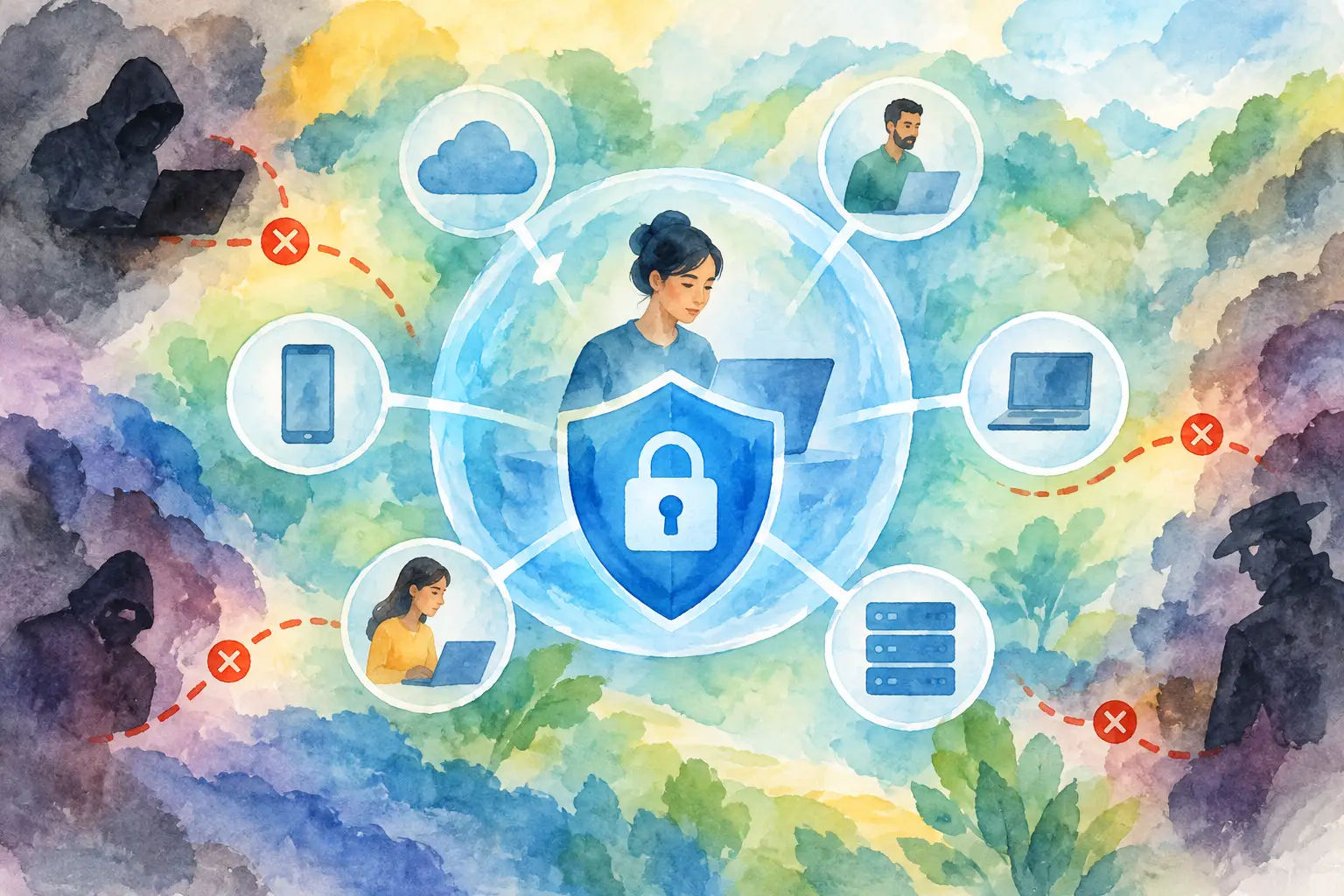
A stolen password can open far more than one account. If that password belongs to an employee, contractor, or cloud administrator, it can become a path into files, applications, customer data, and business operations. That risk explains why the question, what is zero trust security, has moved from IT jargon to a central concern for organizations of every size.
Zero trust is not a single product that a company installs and forgets. It is a cybersecurity approach built on a simple but powerful idea: never automatically trust a user, device, application, or network connection just because it is already inside the organization’s environment. Every request to access a resource should be checked, and access should be limited to only what is necessary.
For businesses relying on cloud apps, remote work, mobile devices, and outside partners, that shift is reshaping how digital security works.
What Is Zero Trust Security?
Zero trust security is a framework that requires continuous verification before granting access to systems, data, and applications. Rather than assuming someone is safe because they logged in from the office network or connected through a company laptop, a zero trust model evaluates the context of each access request.
That context can include the user’s identity, the device they are using, their location, the sensitivity of the data they want to reach, and whether their behavior looks unusual. A valid password alone may not be enough. The system may also require multi-factor authentication, confirm that the device has current security updates, or block access if the attempt appears risky.
The phrase “zero trust” can sound absolute, but it does not mean an organization trusts no one in a personal sense. It means technology does not grant broad, permanent access based on assumptions. Trust is earned through verification and is regularly reevaluated.
Why Traditional Network Security Falls Short
For years, many businesses treated cybersecurity like a building with a guarded front entrance. Firewalls and virtual private networks, or VPNs, worked to keep unauthorized people out. Once an employee was inside the network, however, they often had access to many internal systems.
That approach made more sense when employees worked primarily from one office, applications ran in a company data center, and the network perimeter was easier to define. Those conditions have changed. A sales manager may access a cloud dashboard from an airport. A developer may work from home. A finance team may share documents through software hosted by another provider.
The network is no longer one clearly protected location. It stretches across cloud platforms, personal devices, branch offices, software services, and remote connections. Attackers understand this reality. If they gain access through a phishing email, a compromised account, or an unmanaged device, they may attempt to move from one system to another.
Zero trust reduces that opportunity. It treats each connection as potentially risky, even when it originates from inside a familiar network.
The Core Principles Behind Zero Trust
A zero trust strategy is usually built around three connected practices: verify explicitly, provide least-privilege access, and assume a security incident can occur.
Verify explicitly means using available signals before allowing access. Identity is critical, but so are device health, location, time of day, and the requested resource. If an employee normally signs in from Chicago on a managed laptop but suddenly requests sensitive files from an unfamiliar device elsewhere, the system can require additional proof or deny the request.
Least-privilege access means people receive only the access needed to perform their jobs. A marketing specialist does not need administrative control over financial systems. A temporary contractor may need one project folder, not a broad library of company documents. Limiting permissions reduces the damage that can occur if an account is compromised.
Assume breach changes the organization’s mindset. Instead of planning only to keep threats out, teams prepare for the possibility that an attacker may get in. They segment systems, watch for suspicious activity, protect sensitive data, and make it harder for an intruder to move freely.
Together, these principles create multiple checkpoints instead of a single security gate.
How Zero Trust Works in Practice
Consider an employee trying to open a payroll application. In a traditional environment, connecting to the corporate network might be enough to reach the system. In a zero trust environment, the request is evaluated before access is approved.
First, the employee signs in with a verified identity, often using multi-factor authentication. Next, the security system checks whether the device is company-managed, encrypted, and running current software. It may review whether the employee is authorized to use the payroll application and whether the login behavior matches normal patterns.
If the request passes these checks, the employee gets access only to the relevant application or data. They do not automatically gain access to unrelated tools. If risk conditions change during the session, such as an unusual download attempt or a device security alert, the organization can require the user to authenticate again or stop the session.
This is often called continuous verification. Access is not a one-time decision made at the beginning of the workday. It can be assessed throughout the interaction.
The Technology That Supports Zero Trust
Zero trust is a strategy, but it depends on practical technology controls working together. Identity and access management tools help organizations confirm who a user is and what they are allowed to do. Multi-factor authentication adds a second proof of identity beyond a password.
Device management tools provide visibility into whether laptops and phones meet security requirements. Endpoint protection can detect malware, risky activity, or software vulnerabilities. Network segmentation separates important systems so one compromised account cannot easily reach everything else.
Data protection also plays a major role. Organizations can classify sensitive information, encrypt it, and set rules around downloading, sharing, or copying it. Security monitoring tools then gather signals from across the environment to spot behavior that deserves investigation.
For smaller businesses, the idea of connecting all these capabilities can seem expensive or complicated. The good news is that many cloud software providers now include identity controls, multi-factor authentication, role-based permissions, and activity logging as standard or add-on features. Zero trust does not require building a massive security operations center on day one.
What Zero Trust Means for Small and Growing Businesses
Large enterprises often lead cybersecurity conversations, but smaller organizations have just as much to gain from zero trust principles. They may have fewer dedicated IT staff, more dependence on software-as-a-service tools, and less room to absorb the cost of a serious data incident.
A practical starting point is to identify the applications and data that matter most. That might include financial records, customer information, employee files, source code, or operational systems. From there, a business can make sure every account has a clear owner, remove access for former employees, and require multi-factor authentication for key tools.
Role-based access is another high-impact move. Instead of giving everyone broad permissions for convenience, set access according to job responsibilities. Review those permissions when people change roles or when a project ends.
Device security matters as well. If employees use personal phones or laptops for work, the business should decide which applications can be accessed from those devices and what security conditions are required. The right policy depends on the company’s risk level, industry, budget, and work culture. A design studio and a healthcare provider will not need identical controls.
The Trade-Offs: Security Must Still Support Work
Zero trust can improve security, but poorly implemented controls can frustrate employees. Constant login prompts, complicated approval processes, and blocked access to legitimate tools can push people toward unsafe workarounds.
That is why user experience should be part of the plan. Organizations can reduce friction by using single sign-on, clear access policies, modern authentication methods, and automated device checks. The goal is not to create obstacles. It is to make secure behavior the easiest behavior.
Leadership also needs to understand that zero trust is an ongoing program, not a finish line. Systems change, employees join and leave, cloud services expand, and new threats emerge. Regular access reviews and security awareness training remain necessary.
Where Zero Trust Is Headed
As artificial intelligence, cloud computing, and connected devices become more embedded in business operations, identity and access decisions will carry even more weight. AI can help security teams recognize unusual behavior faster, while attackers may use the same technology to make phishing and impersonation attempts more convincing.
That makes the zero trust mindset increasingly valuable. It encourages companies to validate requests, protect sensitive data, and limit the reach of any single compromised account. Rather than relying on a fading perimeter, businesses can build security around the people, devices, and applications that keep work moving.
For organizations navigating a more connected digital economy, zero trust offers a practical next step: start with the accounts and data that matter most, tighten access with purpose, and let every verified connection strengthen the business rather than expose it.