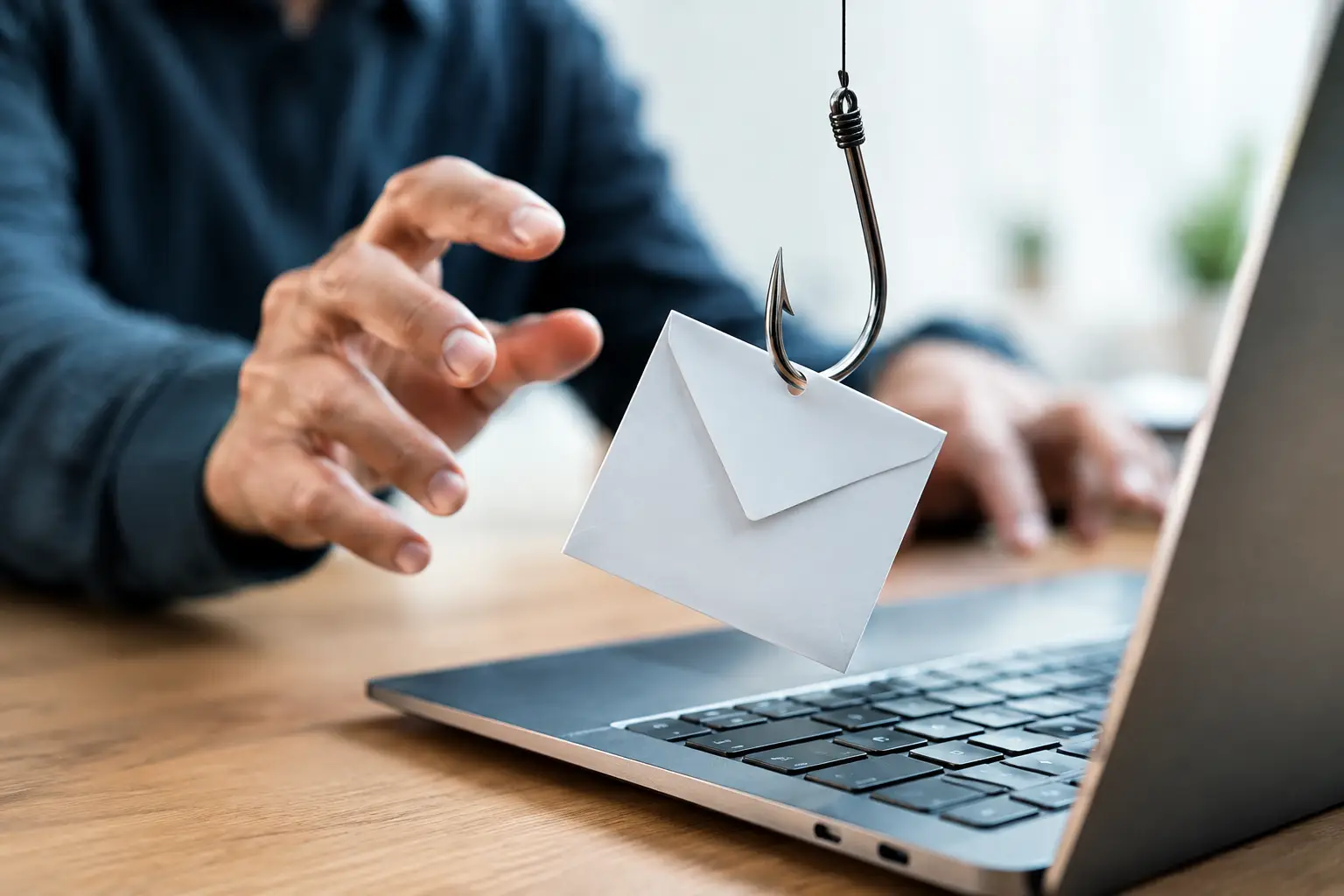
A message that appears to come from your bank, a delivery service, or a senior colleague can create a decision point in seconds: click, reply, or pause. Understanding how phishing attacks work turns that moment from a guess into a manageable security check. For individuals and businesses alike, phishing is less about breaking advanced encryption and more about persuading a real person to hand over access.
How phishing attacks work: the basic chain
A phishing attack is a form of digital impersonation. The attacker pretends to be a trusted organization, service, or person, then sends a message designed to move the recipient toward a harmful action. That action could be entering a password on a fake sign-in page, sharing a one-time verification code, opening a malicious attachment, or approving a login request.
The message may arrive through email, text message, social media, a workplace chat platform, or even a phone call. Email phishing remains common because it can reach many people quickly, but attackers increasingly use text messages and business communication tools because these channels often feel more personal and urgent.
A typical campaign has four stages. First, the attacker chooses a believable identity, such as a bank, cloud software provider, online retailer, or company executive. Next, they create a reason to act immediately: an account suspension, an unexpected invoice, a missed delivery, or a security alert. Then they provide a path forward, usually a link, attachment, QR code, or reply request. Finally, they collect information, take over an account, redirect a payment, or try to spread further through the victim’s contacts.
The technology behind a phishing page can be surprisingly ordinary. A fake website may closely copy the logo, colors, and sign-in design of a legitimate service. What makes the attack effective is not necessarily technical sophistication. It is the ability to make a fraudulent request look routine at the exact moment a person is busy, worried, or trying to finish a task.
Why phishing messages feel convincing
Phishing relies on social engineering, the practice of influencing people to act against their own interests. Attackers study the habits people already have online. We are used to receiving password resets, order updates, payment reminders, and shared-document notifications. A fraudulent message succeeds when it fits inside that normal stream of digital activity.
Urgency is one of the strongest tools. Phrases such as “your account will be locked today” or “payment is needed now” are meant to reduce careful thinking. Authority works similarly. A request that seems to come from a manager, an IT department, or a government agency can make recipients feel they should comply rather than question it.
Personalization raises the pressure further. In a targeted attack, sometimes called spear phishing, criminals may use a recipient’s name, job title, employer, or publicly visible business details. For a finance employee, the message might appear to be an invoice approval request. For a small-business owner, it could resemble a notice from a payment platform or web hosting provider.
Artificial intelligence has added speed and polish to this problem. Poor grammar once made many scams easy to spot, but attackers can now produce clearer, more natural messages at scale. That does not mean every polished email is dangerous. It means spelling and grammar are no longer reliable safety tests by themselves.
The most common phishing routes
Email phishing casts a wide net with messages that imitate recognizable brands. The goal is often to steal login credentials or card details. Recipients may be told to verify an account, review a document, or correct a billing issue.
Smishing is phishing by text message. It commonly uses short alerts about deliveries, tolls, account activity, or package tracking. Because people often check texts quickly on a phone, they may be less likely to inspect the sender or destination carefully.
Vishing uses voice calls or voicemail. The caller may claim to represent technical support, a financial institution, or a company department. They often pressure the target to disclose a verification code or install remote-access software. A legitimate support representative should not need your password or a code sent specifically to you.
Business email compromise is especially costly because it targets payments and trust inside an organization. Rather than sending a generic fake login page, the attacker may impersonate an executive, supplier, or employee and request a bank-detail change or an urgent transfer. These schemes can involve weeks of observation and convincing back-and-forth communication.
QR-code phishing, sometimes called quishing, has also become more visible. A QR code can hide the destination website from immediate view, making it easier to send a user to a fraudulent sign-in page. Treat an unexpected QR code with the same skepticism as an unexpected link.
What attackers do after someone clicks
Clicking a suspicious link does not automatically mean an account is lost. The real risk usually increases when someone enters credentials, downloads a file, provides a verification code, or approves a login prompt. The attacker may use the captured password immediately, especially if the same password is used on several services.
Once inside an email or cloud account, criminals can search for invoices, customer records, passwords, and financial information. They may set up mailbox rules that quietly forward messages or hide security alerts. In a workplace setting, a compromised account can also become a launch point for convincing messages to coworkers, partners, and customers.
Multi-factor authentication provides a major layer of protection, but it is not a reason to ignore suspicious messages. Attackers may try to steal one-time codes, flood a user with approval prompts, or persuade the target to confirm a login they did not initiate. The strongest approach combines multi-factor authentication with careful verification and account monitoring.
Red flags worth slowing down for
No single clue proves that a message is fraudulent. A real company may send an unexpected notice, and a scammer may use a nearly perfect imitation. Look at the full situation rather than relying on one signal.
Be cautious when a message creates unusual urgency, asks for a password or verification code, demands payment changes, or directs you to a sign-in page from an unsolicited link. Check the sender’s full email address, not just the display name. On a computer, hovering over a link can reveal the destination before you open it. On a phone, it is often safer to open the official app or type the company’s known website yourself.
For business requests involving money or sensitive information, use an independent verification method. If an email asks to change a supplier’s bank details, call a known contact number already on file. Do not reply to the suspicious email or use the phone number provided in it. This small pause can prevent a costly mistake.
Practical protection for people and teams
Strong passwords and a password manager reduce the damage from credential theft. Each important account should have a unique password, so one compromised login cannot unlock multiple services. Turn on multi-factor authentication wherever possible, preferably with an authenticator app or security key rather than text messages alone.
For organizations, phishing defense is partly a technology issue and partly an operational habit. Email filtering, domain protections, endpoint security, and login alerts help reduce exposure. Still, employees need a clear process for reporting suspicious messages without embarrassment. Fast reporting allows IT teams to block malicious senders, warn colleagues, and investigate whether anyone interacted with the message.
Payment controls matter too. Requiring a second approval for transfers, confirming account changes outside email, and separating financial duties create useful friction. That friction may feel slower on a busy day, but it is far less expensive than recovering from a fraudulent payment.
If you think you entered information on a phishing page, act quickly. Change the affected password from a trusted device, sign out of other active sessions, review account recovery settings, and contact the legitimate provider through its official support channel. If the account is tied to work, report it immediately. Speed can limit an attacker’s opportunity to move from one account to another.
Phishing will continue to evolve alongside AI, cloud services, mobile payments, and digital collaboration. The useful habit is not treating every message with fear. It is building a brief verification pause into high-stakes moments, especially when a request involves credentials, money, or private data. That pause is one of the simplest ways to keep control of your digital life.